- Home
- /
- Digital Marketing
- /
- Social Media Marketing
Social Media Marketing
Master Social Media Marketing with Practical Strategies, Hands-On Training, and Real-World Projects
Social Media Marketing Course in Nepal
Learn to create, edit, and market content that grows real businesses.
If you're searching for the best Social Media Marketing course in Nepal, this is it. Code IT's 14-day hands-on training is not just a marketing theory course — it's a complete content creation and digital marketing program that teaches you Canva graphic design, CapCut video editing, paid advertising, analytics, and campaign strategy across Facebook, Instagram, LinkedIn, TikTok, YouTube Shorts, and Instagram Reels — the platforms driving business growth across Nepal right now.
Every business in Nepal — from local shops in Dharan to startups in Kathmandu — needs someone who can create scroll-stopping content, run targeted ad campaigns, and measure what's actually working. This course builds exactly those skills, from Day 1 to Day 14.
You'll master Canva — color theory, typography, templates, social media graphics, brochures, logo design, motion graphics, AI-generated images, and branded presentations. Then you'll go deep into CapCut — trimming, transitions, text overlays with Nepali fonts, voiceover editing, green screen, keyframe animation, motion tracking, and optimizing videos specifically for TikTok, Instagram Reels, and YouTube Shorts. From there you'll move into professional social media strategy — content planning, platform-specific marketing, paid campaign management, performance analytics, and real-world campaign projects.
Live classes run from 8:00 PM to 9:30 PM via Google Meet, — accessible from Kathmandu, Pokhara, Biratnagar, Butwal, Chitwan, or anywhere in Nepal. Classroom sessions available in Dharan. Basic computer and social media knowledge is all you need to start.
Every student receives lifetime video access and an industry-recognized certificate from Code IT.
Learn to create, edit, and market content that grows real businesses.
If you're searching for the best Social Media Marketing course in Nepal, this is it. Code IT's 14-day hands-on training is not just a marketing theory course — it's a complete content creation and digital marketing program that teaches you Canva graphic design, CapCut video editing, paid advertising, analytics, and campaign strategy across Facebook, Instagram, LinkedIn, TikTok, YouTube Shorts, and Instagram Reels — the platforms driving business growth across Nepal right now.
Every business in Nepal — from local shops in Dharan to startups in Kathmandu — needs someone who can create scroll-stopping content, run targeted ad campaigns, and measure what's actually working. This course builds exactly those skills, from Day 1 to Day 14.
You'll master Canva — color theory, typography, templates, social media graphics, brochures, logo design, motion graphics, AI-generated images, and branded presentations. Then you'll go deep into CapCut — trimming, transitions, text overlays with Nepali fonts, voiceover editing, green screen, keyframe animation, motion tracking, and optimizing videos specifically for TikTok, Instagram Reels, and YouTube Shorts. From there you'll move into professional social media strategy — content planning, platform-specific marketing, paid campaign management, performance analytics, and real-world campaign projects.
Live classes run from 8:00 PM to 9:30 PM via Google Meet, — accessible from Kathmandu, Pokhara, Biratnagar, Butwal, Chitwan, or anywhere in Nepal. Classroom sessions available in Dharan. Basic computer and social media knowledge is all you need to start.
Every student receives lifetime video access and an industry-recognized certificate from Code IT.
Prerequisites

Social Media Marketing
Next batch starting soon

Have any Question?
Everything You Receive
All-inclusive support — from training to real-world experience
Live Classes
Google
Meet
8:00 PM - 9:30 PM
Lifetime Videos
Re-watch anytime
Certification
Industry recognized
Internship
No internships are available right now.
Course Curriculum
Everything you'll learn — from fundamentals to advanced concepts
Course Outlines
-
Social Media Marketing Fundamentals
-
Content Creation & Planning
-
Platform-Specific Marketing
-
Analytics & Performance Tracking
-
Paid Campaigns & Real-World Projects
Full Curriculum
01
Day 1 – Getting Started with Canva
02
Day 2 – Design Fundamentals & Elements
03
Day 3 – Specialized Design Projects
04
Day 4 – Animations, Presentations & Videos
05
Day 5 – Professional Design & Review
06
Day 6 – Introduction & Basics
07
Day 7 – Text & Audio Editing
08
Day 8 – Transitions & Effects
09
Day 9 – Advanced Editing
10
Day 10 – Project & Publishing
11
Day 11 – Introduction to Meta Ads
12
Day 12 – Business Portfolio & Ads Manager Setup
13
Day 13 – Boosting & Campaign Creation
14
Day 14 – Sales, Leads & Analytics
15
Day 15 – Creating AI Ad Videos + Final Project
Earn Your Certification
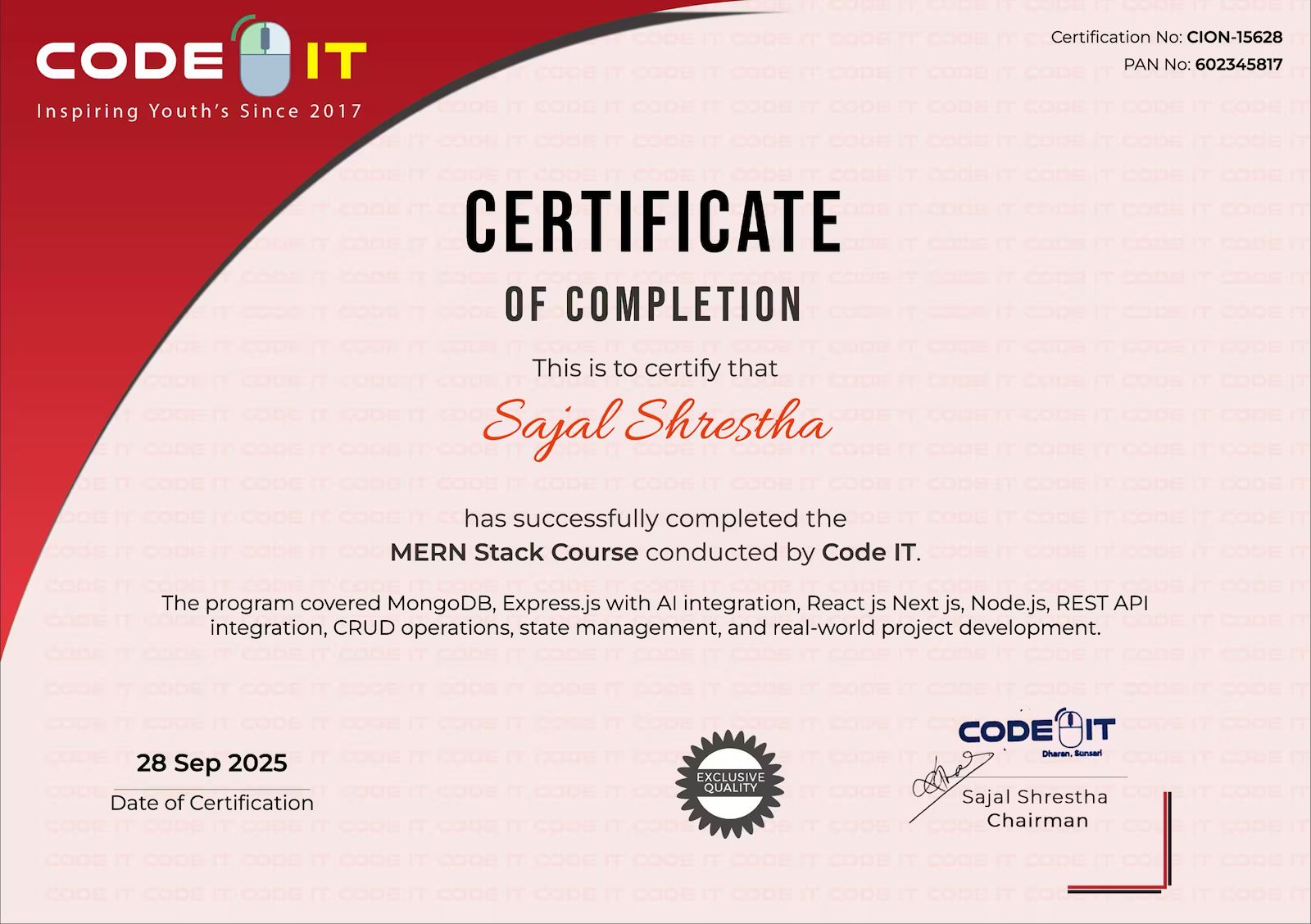
After completing the course, you will receive a professional certificate from Code IT, verified by industry leaders in Nepal.
Course Mentors
Learn directly from industry experts with years of hands‑on experience

Need More Information?
Our team will respond within a few hours
Why Enquire?
Join 100k+ successful graduates
Similar Courses
Explore other programs that might interest you