- Home
- /
- Mobile App Development
- /
- Flutter Workshop
Flutter Workshop
From Beginner to App Developer in One Workshop
Flutter Workshop in Nepal
Build and publish your first Android & iOS app in 14 days. NPR 1,499 only. Guaranteed internship included.
If you've been looking for the best Flutter workshop in Nepal, this is exactly what you need. Code IT's 14-day intensive program takes you from zero to a fully built, published mobile application — covering Dart programming, Flutter UI, GetX state management, REST API integration with Dio, and full Google Play Store deployment in two focused weeks.
Flutter is Google's most in-demand cross-platform framework — one codebase, two platforms, endless career opportunities. By Day 14, you'll have built a real app using the MVCS architecture pattern, integrated live APIs, stored data locally with GetStorage, and walked through the complete process of signing and publishing your app to the Play Store. That's a full mobile development cycle — done in a fortnight.
Your instructor is Er. Sajal Shrestha — CEO and Founder of Code IT with 27+ years of experience in technology and software development. You're learning from someone who has actually built and shipped real software — not a trainer reading from slides.
Live classes run from 8:00 PM to 9:30 PM via Google Meet, accessible from Kathmandu, Pokhara, Biratnagar, Butwal, Chitwan, or anywhere in Nepal. Classroom sessions available in Dharan. No prior experience needed — just a laptop and 14 days of commitment.
Every student receives lifetime video access, an industry-recognized certificate, and a guaranteed 3-month internship.
Build and publish your first Android & iOS app in 14 days. NPR 1,499 only. Guaranteed internship included.
If you've been looking for the best Flutter workshop in Nepal, this is exactly what you need. Code IT's 14-day intensive program takes you from zero to a fully built, published mobile application — covering Dart programming, Flutter UI, GetX state management, REST API integration with Dio, and full Google Play Store deployment in two focused weeks.
Flutter is Google's most in-demand cross-platform framework — one codebase, two platforms, endless career opportunities. By Day 14, you'll have built a real app using the MVCS architecture pattern, integrated live APIs, stored data locally with GetStorage, and walked through the complete process of signing and publishing your app to the Play Store. That's a full mobile development cycle — done in a fortnight.
Your instructor is Er. Sajal Shrestha — CEO and Founder of Code IT with 27+ years of experience in technology and software development. You're learning from someone who has actually built and shipped real software — not a trainer reading from slides.
Live classes run from 8:00 PM to 9:30 PM via Google Meet, accessible from Kathmandu, Pokhara, Biratnagar, Butwal, Chitwan, or anywhere in Nepal. Classroom sessions available in Dharan. No prior experience needed — just a laptop and 14 days of commitment.
Every student receives lifetime video access, an industry-recognized certificate, and a guaranteed 3-month internship.
Prerequisites
Flutter Workshop
Next batch starting soon

Have any Question?
Everything You Receive
All-inclusive support — from training to real-world experience
Live Classes
Google
Meet
8:00 PM - 9:30 PM
Lifetime Videos
Re-watch anytime
Certification
Industry recognized
Internship
Guaranteed 3-Month Internship
Course Curriculum
Everything you'll learn — from fundamentals to advanced concepts
Course Outlines
-
Dart Programming Fundamentals
-
Object-Oriented Programming in Dart
-
Flutter UI & Widgets
-
State Management & Navigation
-
Api Integration
Full Curriculum
01
Day 1: Introduction to Dart & Setup
02
Day 2: Dart Advanced Concepts
03
Day 3: Flutter Basics – Widgets 101
04
Day 4: Layouts & Styling
05
Day 5: User Interaction & Input
06
Day 6: State Management with setState()
07
Day 7: GetX State Management - Basics
08
Day 8: GetX Routing & Navigation
09
Day 9: MVC(S) Pattern Introduction
10
Day 10: Implementing MVCS Pattern with GetX
11
Day 11: Networking & API Integration with Dio
12
Day 12: Persistence & Local Storage
13
Day 13: [Free/Review/Project Work]
14
Day 14: Publishing Flutter App
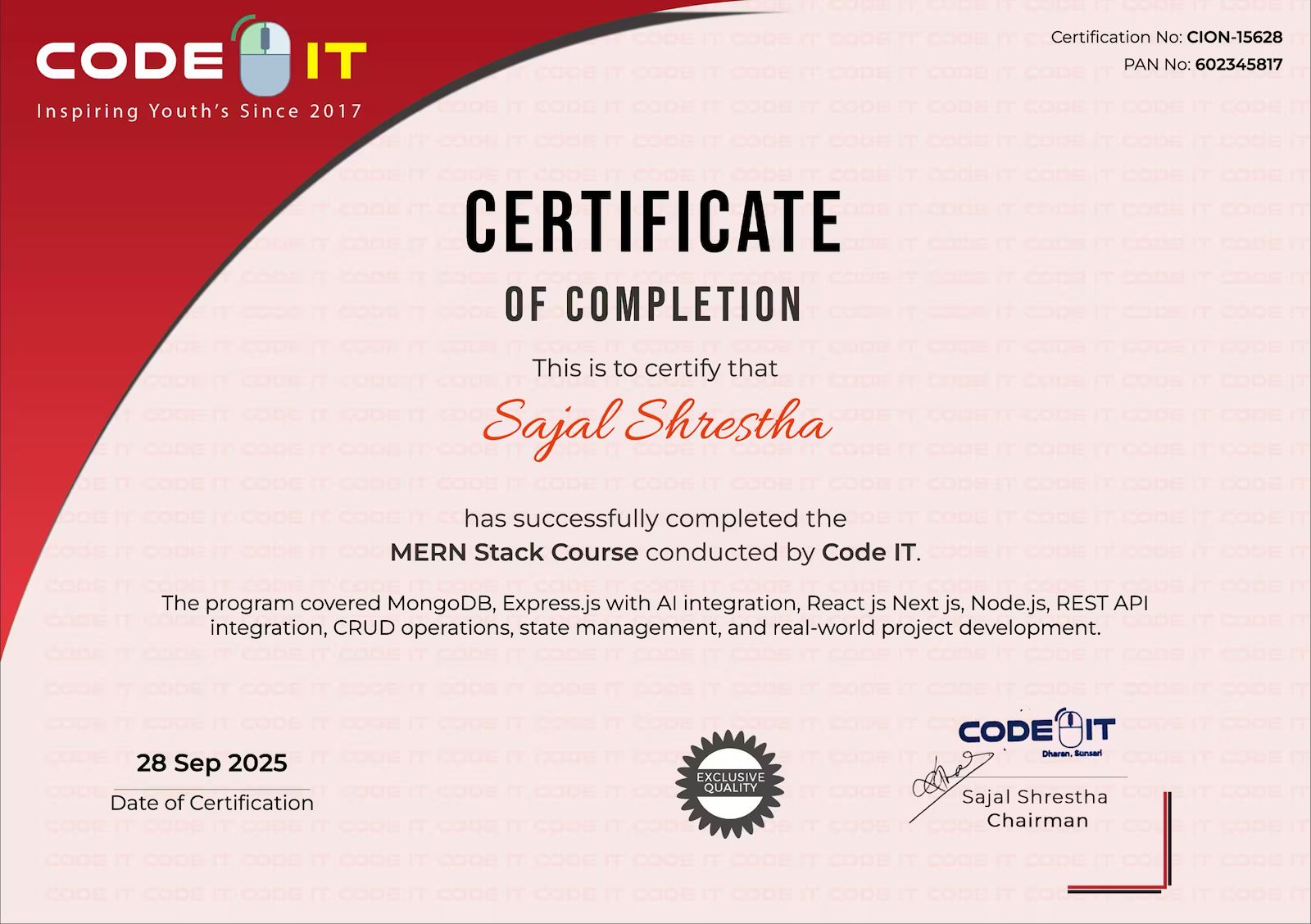
Earn Your Certification
After completing the course, you will receive a professional certificate from Code IT, verified by industry leaders in Nepal.
Course Mentors
Learn directly from industry experts with years of hands‑on experience


Need More Information?
Our team will respond within a few hours
Why Enquire?
Join 100k+ successful graduates
Similar Courses
Explore other programs that might interest you