Graphic Design (Photoshop)
Adobe Photoshop Course – Learn Photo Editing, Graphic Design & Digital Art Skills
Adobe Photoshop Course in Nepal
Master Photoshop and AI image design — Nepal's most affordable creative course.
If you're looking for the best Adobe Photoshop course in Nepal, your search ends here. Code IT's 14-day hands-on Photoshop training covers everything from the basics of the workspace to professional photo retouching, layer masking, color correction, vector shapes, typography, GIF animation, and AI-powered image generation with Midjourney — all in two focused weeks.
Photoshop is the universal language of visual communication — used by graphic designers, photographers, social media managers, content creators, digital marketers, and brand agencies across Nepal every single day. If you want to work in any creative field in Nepal, this is the one skill that opens every door.
You'll master selections and masking, Curves and Levels for color correction, Clone Stamp and Healing Brush retouching, layer blending modes, drop shadows, text effects, filter gallery, and professional file export for both print and web. In the final modules, you'll integrate Midjourney AI to generate images and composite them professionally inside Photoshop — a skill that puts you ahead of every traditional graphic designer in Nepal's market.
Your instructor, Milan Rai, is a Senior Graphic Designer and UI/UX Designer at Code IT with 5+ years of professional design experience.
Live classes run from 8:00 PM to 9:30 PM via Google Meet, accessible from Kathmandu, Pokhara, Biratnagar, Butwal, or anywhere in Nepal. Classroom sessions available in Dharan. All you need is a laptop — no design experience required whatsoever.
Every student receives lifetime video access and an industry-recognized certificate from Code IT.
Master Photoshop and AI image design — Nepal's most affordable creative course.
If you're looking for the best Adobe Photoshop course in Nepal, your search ends here. Code IT's 14-day hands-on Photoshop training covers everything from the basics of the workspace to professional photo retouching, layer masking, color correction, vector shapes, typography, GIF animation, and AI-powered image generation with Midjourney — all in two focused weeks.
Photoshop is the universal language of visual communication — used by graphic designers, photographers, social media managers, content creators, digital marketers, and brand agencies across Nepal every single day. If you want to work in any creative field in Nepal, this is the one skill that opens every door.
You'll master selections and masking, Curves and Levels for color correction, Clone Stamp and Healing Brush retouching, layer blending modes, drop shadows, text effects, filter gallery, and professional file export for both print and web. In the final modules, you'll integrate Midjourney AI to generate images and composite them professionally inside Photoshop — a skill that puts you ahead of every traditional graphic designer in Nepal's market.
Your instructor, Milan Rai, is a Senior Graphic Designer and UI/UX Designer at Code IT with 5+ years of professional design experience.
Live classes run from 8:00 PM to 9:30 PM via Google Meet, accessible from Kathmandu, Pokhara, Biratnagar, Butwal, or anywhere in Nepal. Classroom sessions available in Dharan. All you need is a laptop — no design experience required whatsoever.
Every student receives lifetime video access and an industry-recognized certificate from Code IT.
Prerequisites
Graphic Design (Photoshop)

Have any Question?
Everything You Receive
All-inclusive support — from training to real-world experience
Live Classes
Google
Meet
8:00pm to 9:30pm
Lifetime Videos
Re-watch anytime
Certification
Industry recognized
Internship
No internships are available right now.
Course Curriculum
Everything you'll learn — from fundamentals to advanced concepts
Course Outlines
-
Photoshop Fundamentals
-
mage Editing & Retouching
-
Working with Layers & Masks
-
Text
-
Shapes & Graphic Design
-
Advanced Features & Projects
Full Curriculum
01
Essentials
02
Selections
03
Image Correction
04
Re-Touching Techniques
05
Filters, Painting and Drawing
06
Working with Layers
07
Merging layers
08
Operating with Text
09
Timeline
10
Special Effects
11
Files Saving
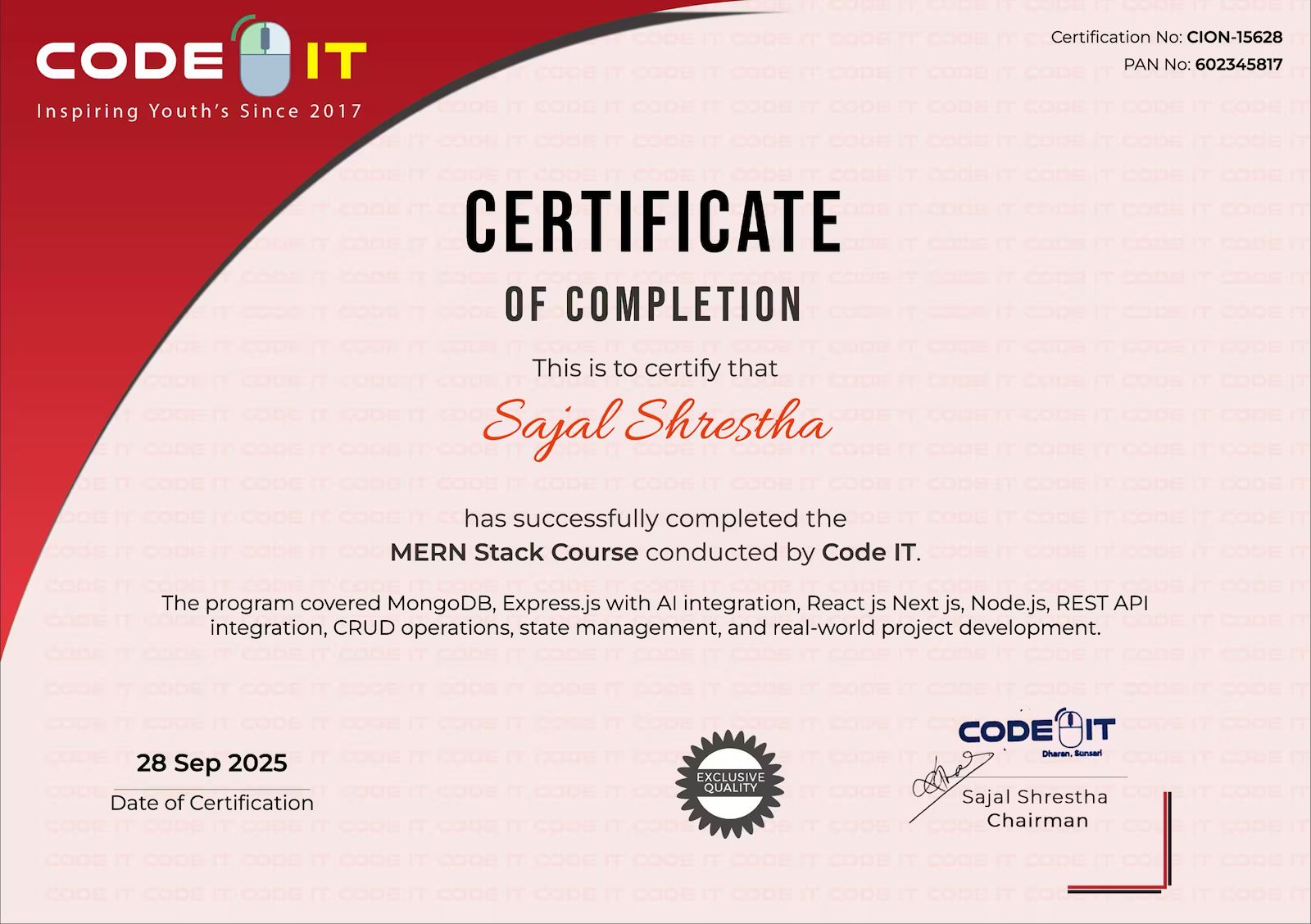
Earn Your Certification
After completing the course, you will receive a professional certificate from Code IT, verified by industry leaders in Nepal.
Course Mentors
Learn directly from industry experts with years of hands‑on experience
Need More Information?
Our team will respond within a few hours
Why Enquire?
Join 100k+ successful graduates
Similar Courses
Explore other programs that might interest you

UI/UX Certification
UI/UX Design Certification Course – Master User-Centered Design & Prototyping
Web Design
Beginner-Friendly Web Design Course with HTML, CSS, Tailwind CSS & JavaScript
Figma to React
Figma to React Course – Convert Designs into Responsive React Applications